
You may Export all your Places in order to create new places or update existing places.
- Navigate to “Places” and click on “Export” at top.

-
Click on “Export” button to export all Places in a CSV file
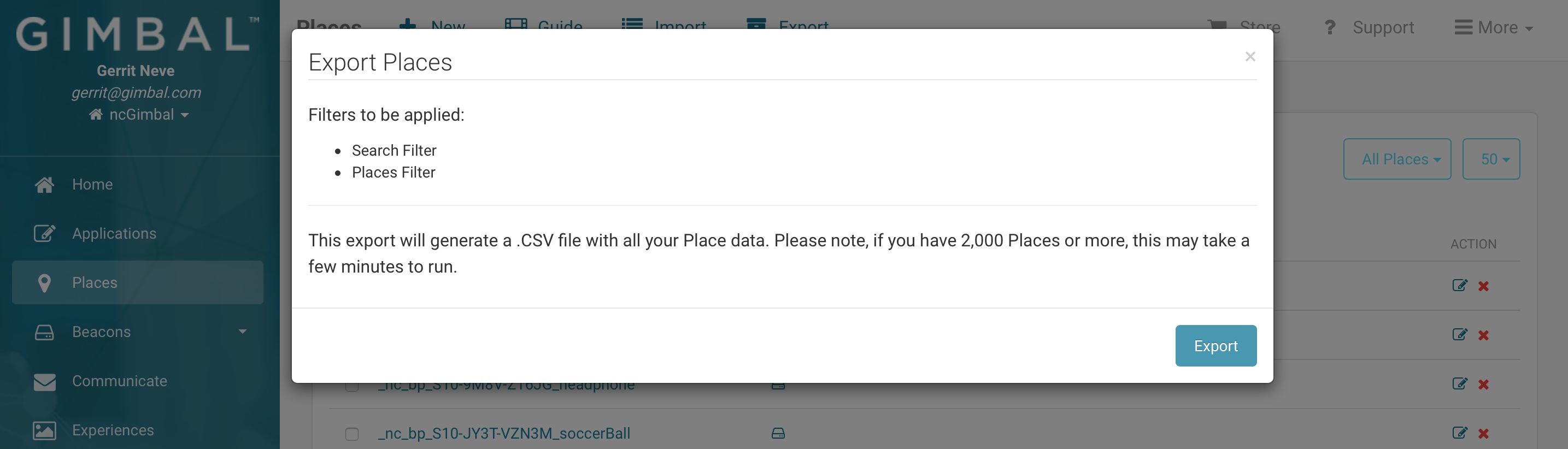
Please note that the search and place filter will be applied to your export.

Comments
0 comments
Article is closed for comments.